Skip to the page content Skip to primary navigation Skip to the search form Skip to the audience-based navigation Skip to the site tools and log-in Information about website accessibility

Disability Resource Center

How do you frame disability?

How you frame the concept of disability has a big impact on your response to disability. For some people, disability means a physical or mental impairment that substantially limits one or more major life activities. Others believe disability is a result of environments not being designed with the needs of everyone in mind. Still others feel disability is a deficit of any kind that involves a physical or mental problem.

What definition most closely reflects your own understanding of disability, and why?

Updated 12.3.2009

The Inside Scoop - Fall 2009

Welcome Students

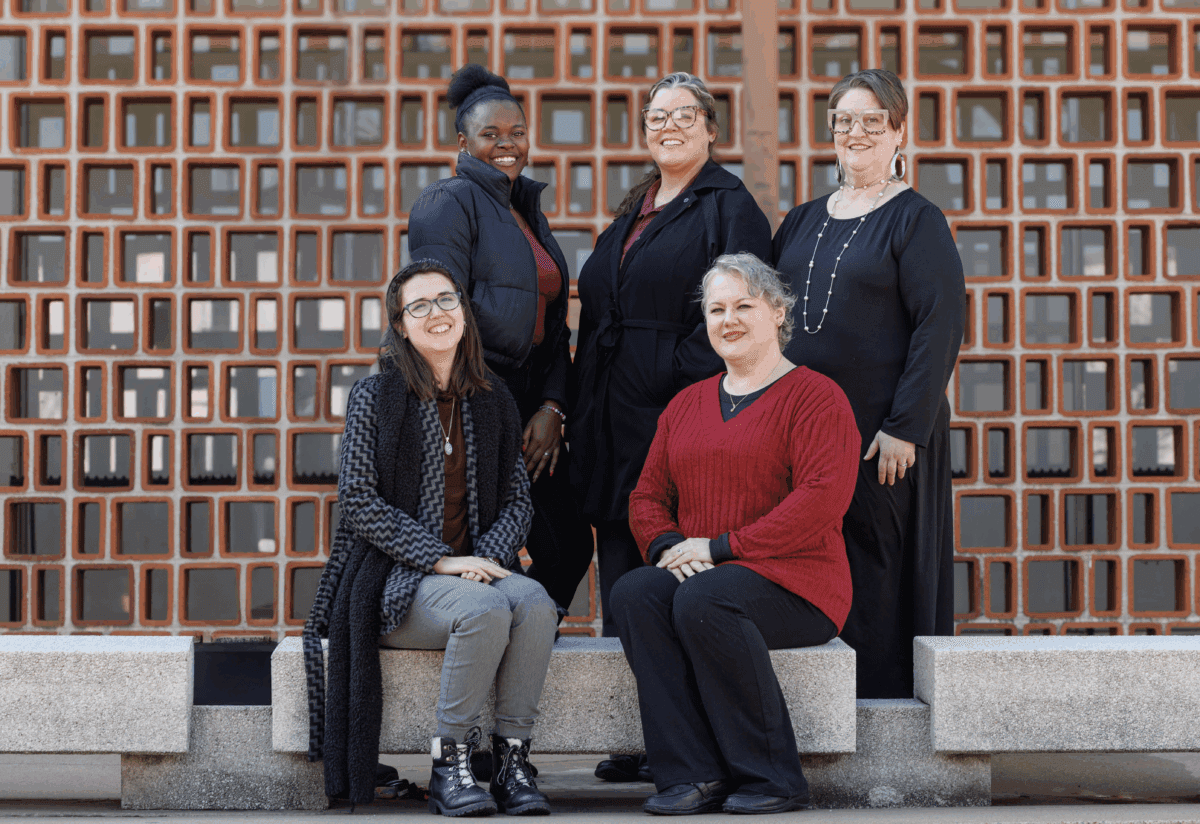
The Disability Resource Center (DRC) staff at the University of Arkansas at Little Rock want to welcome new and returning students to the 2009-2010 school year. We hope that everyone had an enjoyable summer. We look forward to working with you. Please email sadowns@ualr.edu if you would like to reply to this message.

Staff Changes at the DRC

Please help us welcome Alvin-Bailon Zafe Haas to the DRC staff. Alvin will be interpreting and transcribing in the classroom and for online videostreams, as well as coordinating our captioning program. His office is in DSC 113. Welcome aboard, Alvin!

Connie Wordlaw is a graduate rehabilitation counseling student at UALR who joined the DRC this summer to fulfill her practicum and internship requirements, respectively, for her degree. Connie will be with the DRC through the end of the fall 2009 term. Please feel free to stop by and introduce yourself to her.

DRC Website and Online Tools

We want to take this opportunity to ensure that you are aware of our website and our online tools. Our homepage is: www.ualr.edu/disability. There you can learn more about our mission, contact information, perspective on disability and the elements of diversity we all bring to the UALR campus. Additionally, you can also request your faculty notification letters and submit requests for books in alternate format.

Request Books in Alternate Format:

  • Go to: www.ualr.edu/disability
  • Under Welcome, select Requests for Books in Alternate Format
  • Fill out the form completely and select SUBMIT at the bottom

Requests will be sent to a DRC staff member via email who will begin processing them right away.

NOTICE: We recommend submitting book requests ten (10) weeks prior to the start of each semester. Requests will be accepted at any time, but will be on a first come, first serve basis. Book requests received later may not be filled until after the semester has begun.

Request Faculty Notification Letters:

  • Go to: www.ualr.edu/disability
  • Under Welcome, select Faculty Notification Letters
  • Fill out the form completely, and select Request Letters at the bottom

REMINDER: Requests received from online students will be sent directly to faculty, via campus mail. All other requests should be picked up at the DRC. If you know that professor does not work on this campus, please let us know so there will not be delays in notification. Make sure that you also let your professor know to expect the letter from our office.

Utilizing Accommodations and Services

On campus students: It is very important that once you have requested and received your faculty notification letters that you provide them to your professors in a timely manner. Ideally, it would be best to personally meet one-on-one with your professors during the first week of classes. During this meeting, be open to sharing things about your disability and learning style. If you have questions or need assistance generating ideas to start these conversations please feel free to contact the DRC at: 501.569.3143, (voice/tty).

Online Learning, Assistive Technology and Navigating Blackboard

With the assistance of the STaR lab on campus, the DRC has setup a course shell in Blackboard for students who may want to experiment navigating the Blackboard learning platform with assistive technologies before the semester starts. If you would like to be added to this mock course, please email your T number and NetID to John Barbuto, at: jabarbuto@ualr.edu.

Try it Before You Buy It!

Have you heard of ICAN? ICAN AT4ALL is Arkansas’ statewide assistive technology program designed to make technology available and accessible for everyone who needs it. Assistive technology (AT) is any kind of device or tool that helps people learn, work, communicate and live more independently. AT can be very simple and inexpensive, like a modified knife and fork, or it can be very sophisticated and costly, like a computerized speech device.

ICAN stands for Increasing Capabilities Access Network and AT4ALL is our philosophy—assistive technology for everyone! ICAN AT4ALL offers a number of free services to help Arkansans of all ages find the AT they need for home, school, work and getting around in the community. To learn more about ICAN, please call: 501.666.8868 in Little Rock or 1.800.828.2799. Retrieved from: http://www.ar-ican.org/index.html.

Reframing Disability**

Throughout history, disability has been viewed as a deficit. Still today in much of our popular culture and in our common approaches to access, students who live with disabilities are seen as “tragic,” “broken,” and “inferior.” For more than two decades, disability activists and scholars have been working to reframe this negative view. For example, the DRC recognizes the student as the expert on his or her disability, which is correlated with the social model of disability. Past and present examples of approaches to framing and reframing disability are:

Medical Model (past)

  • Disability is a deficiency or abnormality;
  • Being disabled is negative;
  • Disability resides in the individual;
  • The remedy for disability-related problems is cure or normalization of the individual; and
  • The agent of remedy is the professional who affects the arrangements between the individual and society.

VS.

Social Model (present and future)

  • Disability is a difference;
  • Being disabled, in itself, is neutral;
  • Disability derives from interaction between individual and society;
  • The remedy for disability-related problems is a change in the interaction between the individual and society; and
  • The agent of remedy can be the individual, an advocate, or anyone who affects the arrangements between the individual and society.

** Retrieved from: http://drc.arizona.edu/drc/new-view.html

DISABILITY RESOURCE CENTER
Creative Solutions. Together.

Updated 2.1.2010

Stacy Willis scholarship awarded

Edwin Brian Mitchell is the winner of the 2009-2010 Stacy Willis Memorial Scholarship. Brian was born and raised in Amherst, a suburb of Buffalo, New York. He attended public schools in his elementary and secondary education, using a sign language interpreter. The family moved to Grenada, Mississippi when Edwin was 14 years old, which was a huge culture shock for him. He attended Grenada High School, graduating in 2006 in the top 10% of his class.

Upon graduation, he looked for a university in Mississippi with interpreting services and a good Disability Resource Center that had experience working with Deaf college students. After not finding what he wanted in Mississippi, he looked to Arkansas, and enrolled at UALR.

He says, “Since I have been living in Arkansas, I have been blessed with many opportunities with a wonderful circle of friends, while enjoying many services of staff interpreters and Disability Resource Center. I finally feel like I belong at a place as a Deaf individual; I was really isolated in Mississippi.”

Edwin is majoring in History/Secondary Education, and wants to get a teaching license and secure a teaching position at Arkansas School for the Deaf upon graduation. The subjects he’d like to teach include history, U.S. government, and geography. While working at ASD, he plans to enroll in graduate school to earn his Masters in Educational Administration, with possible plans to pursue a Ph.D. so he can advance to the position of Principal or Superintendent.

Edwin has volunteered at UALR in the community in various capacities since he arrived here. He worked for the St. Vincent Infirmary Medical Center Hospital Beautification Project, served as a mentor/tutor/role model for Arkansas School for the Deaf, and served as a mentor/resident assistant for the iTransition College Camp held at UALR in 2008. He is a member of Phi Alpha Theta (History Club), and is part of the campus catholic ministry. His grades have earned him a place on the Dean’s list at UALR.

Edwin was chosen as one of 10 recipients for the 2009 Arkansas Governor’s Commission Scholarship on People with Disabilities with excellent grades and leadership. On July 14th, he was awarded the scholarship inside the Governor’s Mansion where he got to meet Gov. Beebe.

guv

The purpose of the Stacy Willis Endowed Scholarship is to fund scholarships for students with disabilities at UALR. It is named for a remarkable young woman who attended UALR, and who made an impact on everyone she met.

Applications for this scholarship are accepted every spring for the following academic year. For more information, visit the DRC website (ualr.edu/disability) any time.

Updated 7.31.2009

The Lowdown - April 2009

Welcome

The Disability Resource Center (DRC) staff at the University of Arkansas at Little Rock want to welcome faculty and staff back from spring break 2009 which we hope was restful and fruitful. This edition of the Lowdown focuses on technology in three different areas: text books, videos and online classes.

Course Textbooks

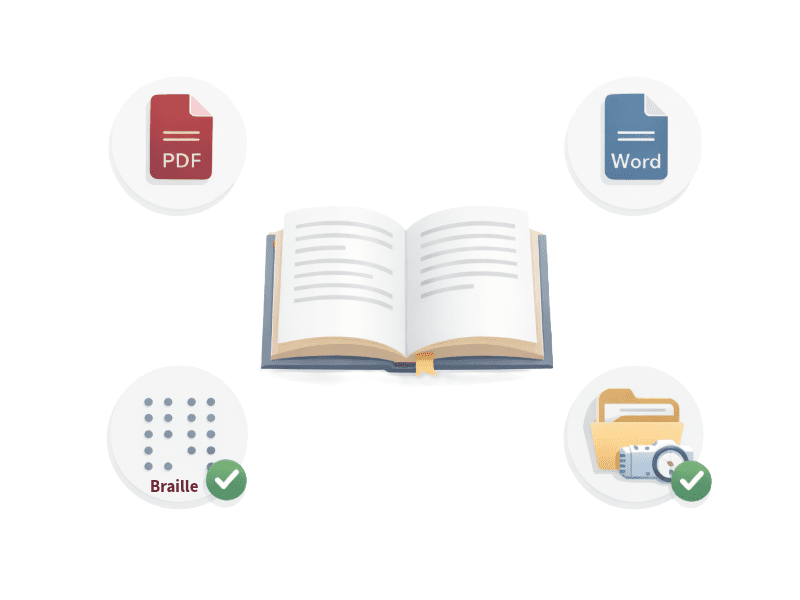
In a world in which access, learning and efficiency all coincide with technology, the DRC wants to take this opportunity to discuss course textbooks and the alternate formats in which they may be available. For various reasons many students registered with the DRC access books in alternate formats including, but not limited to audiobooks and digital files. Regardless of alternate format preference, the acquisition of such texts is a very lengthy process for both the DRC staff and requesting student. Therefore, if you are transitioning to a new edition of a textbook or new author entirely and would like to consult with the DRC regarding access concerns before making your final textbook selection, please feel free to contact us at 501-569-3143 (v/tty). The DRC has established successful collaborative working alliances with many publishers. Additionally, prior to finalizing your course textbook selection you may inquire with the publisher about the availability of a text in electronic formats. You may also go to http://www.accesstext.org/, a collaborative website amongst some of the nation’s largest textbook publishers to search and determine if potential texts are available electronically.

Showing Videos, Films or Film Clips in Class?

If so, think about the need for CAPTIONING or TRANSCRIPTION. The DRC encourages you to purchase video materials that are already captioned or subtitled. If you are using older materials that are not captioned, keep in mind that obtaining copyright permissions and preparing transcripts are lengthy processes. Therefore, in an effort to provide you and your class with timely service, the DRC asks to the extent possible faculty provide us with the DVD or video three to four weeks prior to the class viewing. Purchasing and utilizing materials that are already captioned increases usability and accessibility. Access to captioned materials also avails students the opportunity to read and watch the material simultaneously which could increase retention of content and increase test scores.

Creating More Usable Online Courses

Online learning avails our students many things including universal connectivity and flexibility. However, at times Internet connectivity does not always guarantee access to course materials. For example, many students utilize screen readers to navigate online learning platforms and course materials. Usability can be greatly enhanced by following a few simple procedures. One of those simple procedures is using a naming system that makes it clear which file is being downloaded. It would be helpful when uploading documents and files if faculty could use descriptive names, such as: APA_Format_Exercise.rtf.

Additionally, some of the testing tools have compatibility problems with some screen reader technologies. This occasionally results in the screen reader program crashing during an exam. A good practice would be to have a mock exam available for students to try so that they will know ahead of time if their assistive technology will work with your exam. If it does not, an alternate version of the exam will need to be provided. For more details on naming links as well as other tips for creating more usable course content, please visit the following website: http://www.ualr.edu/pace/tenstepsud/ or call our office at 501-569-3143 (v/tty).

Providing Extended Time for Exams

Many students registered with the DRC have access to extended time on in-class and web-based exams as an accommodation. Therefore, as UALR completes its transition from WebCT to Blackboard, the DRC wants to take this opportunity to ensure that faculty have access to an easy to follow, step-by-step tool outlining how one would go about setting parameters for extended time in Blackboard. Exams in Blackboard’s Assessment tool are designed to provide a universal testing environment. However, some extra steps are necessary to provide students access to extended time on exams.

Since it is not possible to alter test settings for an individual while other students are taking an exam, a separate test will need to be created for each student who needs access to extended time on exams and quizzes. This can be easily done by using Assessment Templates.

  1. Click “Create Assessment” to set up a separate exam for the student.
  2. Select the “Base on Existing Assessment” radio button on the Template section of the Create Assessment page.  This will create a copy of the exam selected from the drop-down menu next to the radio button.
  3. Once the new exam has been created, you will need to edit its settings.  From the action menu located next to the exam title:
  • Select “Edit Properties” to make the required adjustments to the test settings.
  • Select “Set Release Criteria” to limit access to the test. On the Set Release Criteria page, click the “Add Member Criteria” button and select the student(s) who need access to the revised test.  Once you hit “Save” you will see the criterion listed on the “Set Release Criteria” page.  Do not forget to click “Save” on this page as well!
  • Select “Show Item” so that the exam is available to the student when it opens.

Here are some things to keep in mind when using Assessment Templates:

  • Though the revised test will be hidden from the rest of the class, the student requiring extended time will still see the original exam.  Be sure to label the exam so that the student knows which one they are to take.
  • You can hide the original exam from the students via the Release Criteria option. Repeat the steps used for the revised exam, except select the “Does Not Equal” radio button on the Add Member Criteria page.
  • Your revised exam will have its own column in the grade book and the students score will show up there. Do not forget to include these columns if you use calculated columns to total your grades.
  • You can easily add any students’ grade to the original test column by clicking on their blank cell in the grade book and entering the score by hand.

Again, the DRC is here for YOU! We would love to work with you so that your classes can become more usable and sustainable, equitable and inclusive of all students.

Disability Resource Center
501-569-3143 (v/tty)
DSC 103
Updated 4.8.2009